Turn your name into styles
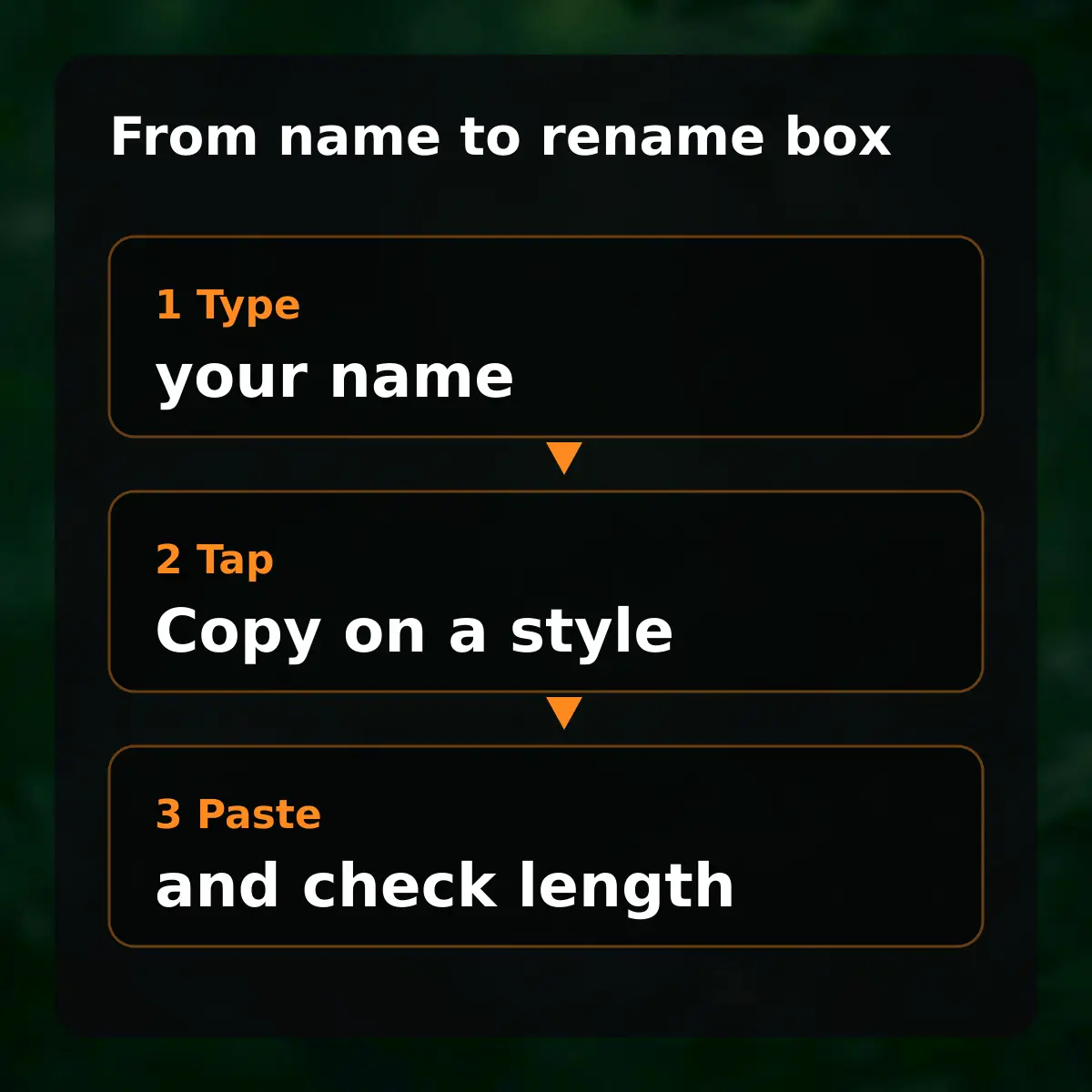
Type your name in the box above and press Generate: the page lists many Unicode styles of it, each with its own Copy button, so one tap copies a style. The lists below hold names that players copied from this page in the last 28 days, plus ready-made picks.
Ready-made looks compared
The table pairs each look with a sample and the page that lists more of it. Samples are written with ordinary Unicode characters, so every one can be copied and pasted as text.
| Look | Sample | Page |
|---|---|---|
| Mood | ꧁𝐒𝐡𝐚𝐝𝐨𝐰꧂ | Names sorted by mood |
| Brazil | ꧁𝐁𝐑 𝐑𝐞𝐢꧂ | Brazil names |
| Colour code | [b][c][17ff32] | Badge codes |
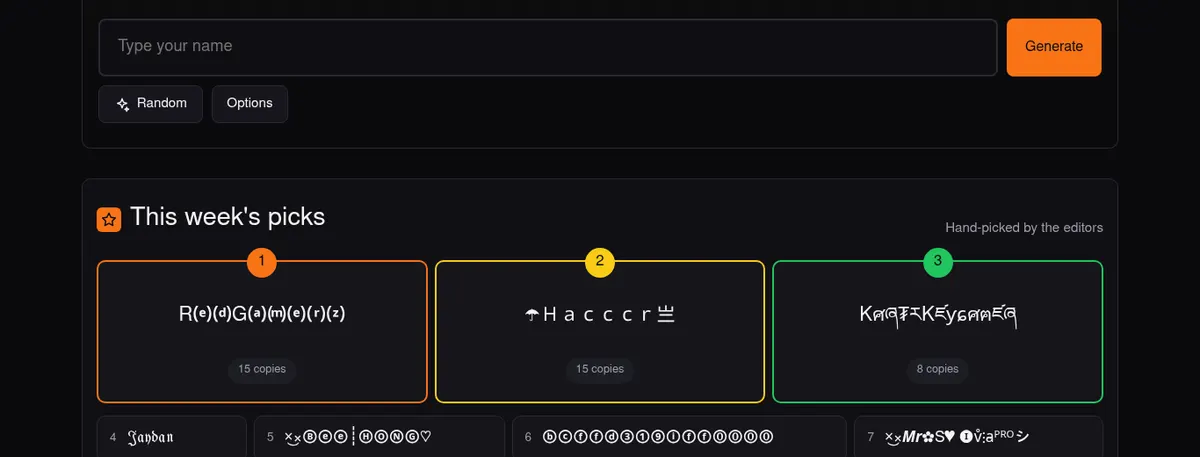
More looks: Brazilian freestyle looks and colour tags for your signature.
Changing the name in the game
Paste it in the rename box, then check the length. Open your Free Fire profile, tap the pencil beside the nickname, paste, and read the preview before you confirm, because a rename card is spent on confirmation.
Some characters may show as boxes on older phones or be rejected by the game; paste and check before saving.