How to Use FreeFireNickname
This page shows how to use FreeFireNickname: type your name, pick a style, then tap to copy it into the Free Fire rename box. A name looks wrong? Report it on the contact page.
Type your name
Start on the home page and type your name in the box. Press Generate and the page lists many Unicode styles of that name, each with its own Copy button. Random fills the box with a sample name, and Options changes the symbols used around it.
What each page does
The table lists every page that has copyable names, what you choose on it and what you get back. Only pages that exist on the site are listed, so you can follow the rows in order and end with a name ready to paste.
| Page | Option | Result |
|---|---|---|
| Home | Type a name | Many styles of it |
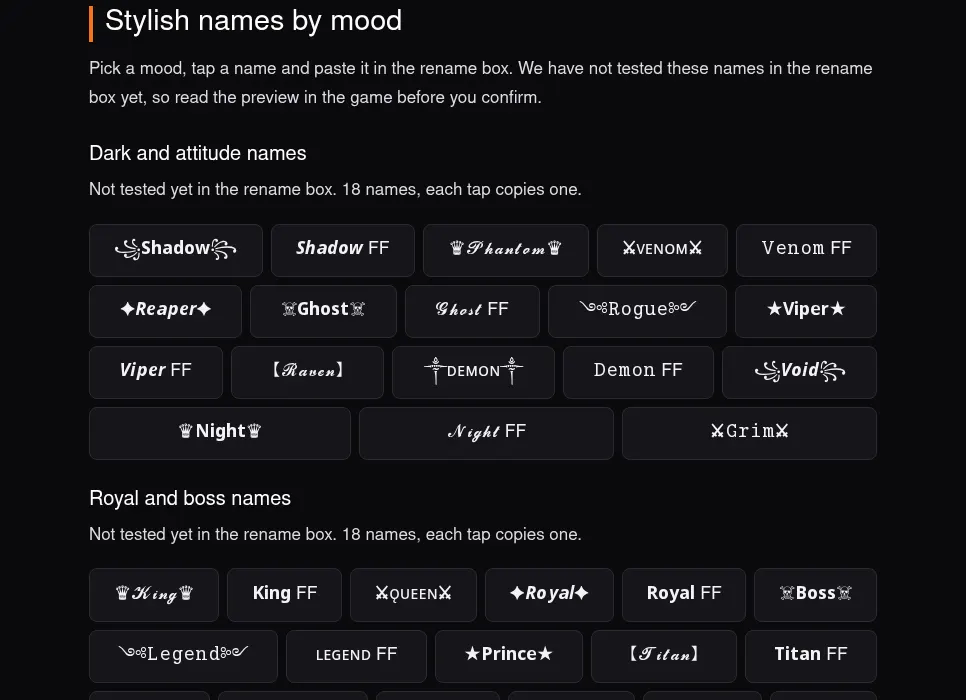
| Mood list | Pick a mood | Sample names |
| Badge codes | Pick a colour | Signature text |
Paste it into the game
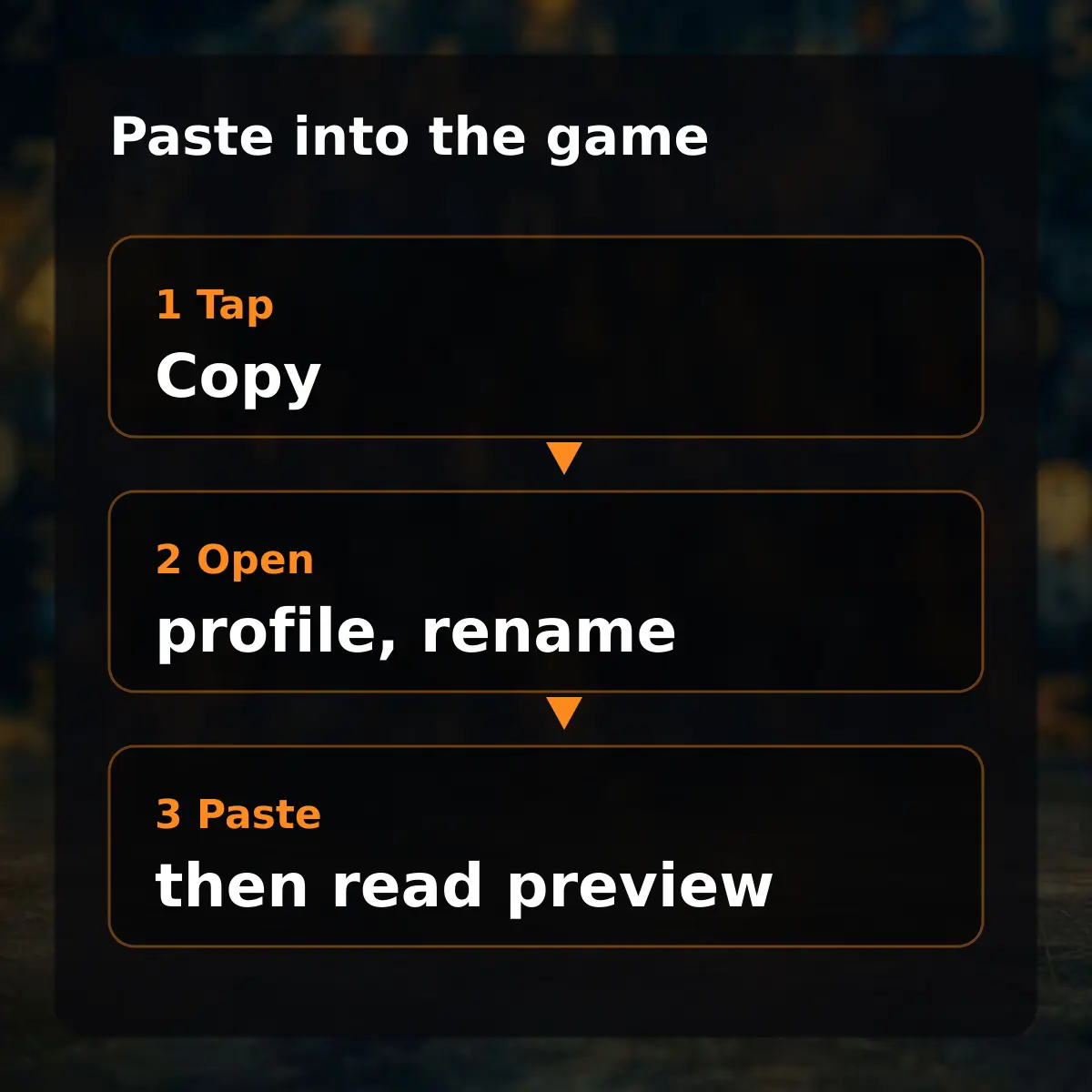
Tap Copy, then paste in the rename box. In Free Fire open your profile, tap the pencil beside the nickname and paste; read the preview before you confirm, because the rename card is used when you confirm.
Some characters show as boxes on older devices or are removed by an app; paste and check before saving.